Using Plugins
Plugins extend klangk workspaces with additional tools, UI widgets, and container customizations. A plugin can install system packages at image build time, add CLI tools to the container PATH, extend the Pi agent with new tools, or add UI widgets to the web frontend.
Plugins vs. sandboxes. Plugins are a compile-time feature: they bake software into the workspace image at build time, so it's already installed and needn't be added later. The tools and UI they add are available to any workspace, but adding or changing a plugin requires rebuilding the Klangk image. For runtime additions of software and configuration scoped to a particular user within a particular workspace instead, use a sandbox.
For details on creating plugins, see the Creating Plugins reference.
Plugin management
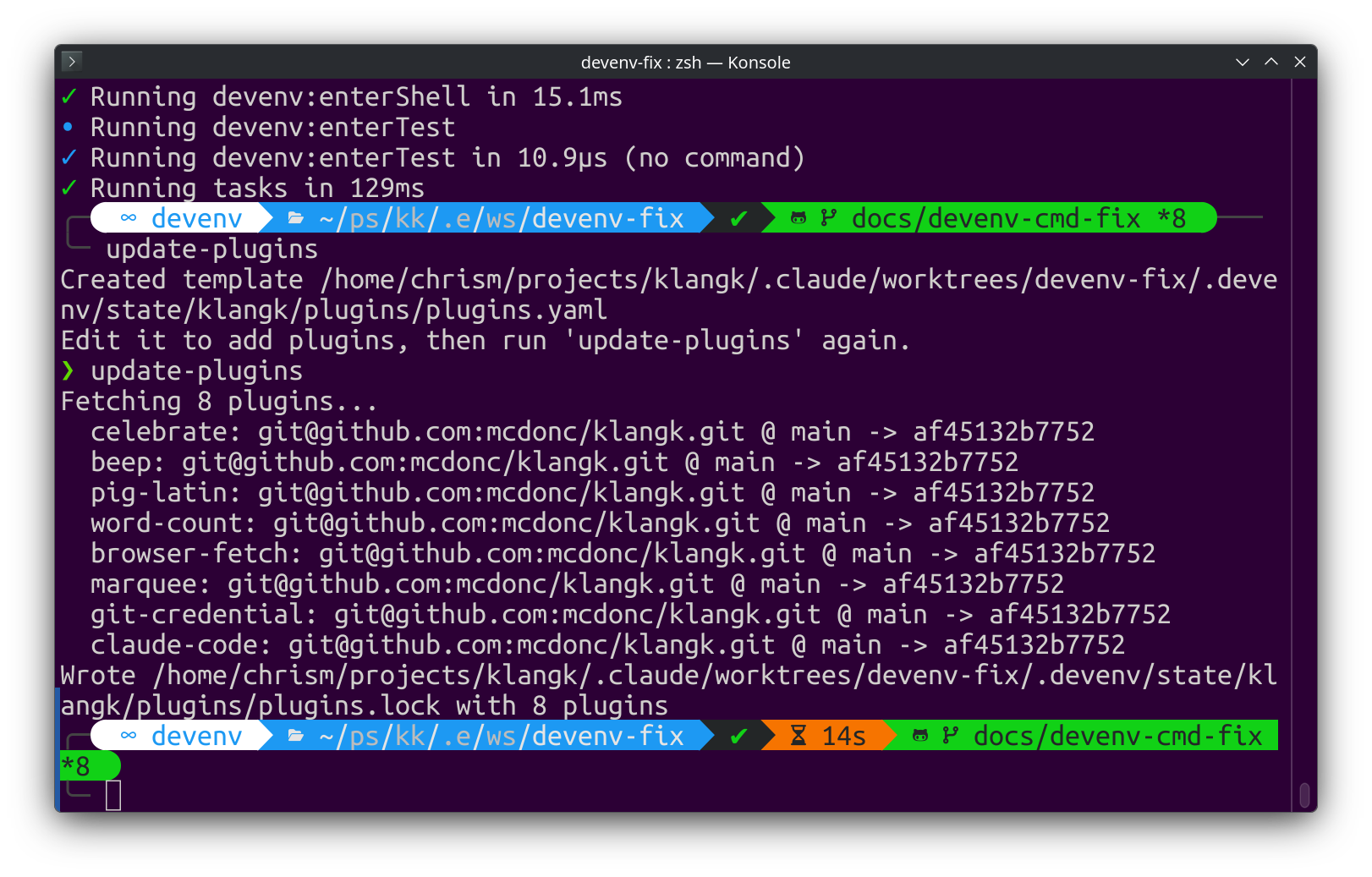
Plugins are fetched automatically when you run devenv up. On first
run, a plugins.yaml template with the default plugins is created
and plugins are fetched. On subsequent runs, plugins are only
re-fetched if plugins.yaml has changed. You can also run
update-plugins manually at any time. Plugins are declared in
$KLANGK_PLUGINS_DIR/plugins.yaml. Each entry requires name and
either git (for remote plugins) or path without git (for local
plugins).
Git plugins
Remote plugins are cloned from a git repository. Both HTTPS and SSH URLs
work (https://github.com/... or git@github.com:...), but HTTPS is
the default since it doesn't require SSH keys. path and ref are
optional:
plugins:
  - name: celebrate
    git: https://github.com/mcdonc/klangk.git
    path: plugins/celebrate
    ref: main
Local plugins
Local plugins are symlinked from a directory on disk, which is useful during plugin development — changes are reflected immediately without re-fetching:
Paths support ~ (home directory) and $ENV_VAR expansion. Relative
paths are resolved relative to the directory containing plugins.yaml.
update-plugins— fetches all plugins listed inplugins.yaml, resolves git refs to commit SHAs, writesplugins.lockupdate-plugins <name>— fetch/update a single plugin by nameplugins.lock— records resolved commit SHAs for reproducible builds- If you are running devenv, it watches
$KLANGK_PLUGINS_DIRto trigger rebuilds when plugin content or the lockfile changes
Default plugins
These plugins are included in the default plugins.yaml:
| Plugin | What it does |
|---|---|
git-credential |
Git credential helper with browser-based PAT/OAuth dialog |
word-count |
File stats tool for Pi (lines, words, characters, size) |
pig-latin |
Text-to-Pig-Latin converter for Pi |
celebrate |
Triggers confetti animation in the browser via Pi |
beep |
Plays an audible beep via Web Audio API |
browser-fetch |
HTTP fetch using browser session cookies via Pi |
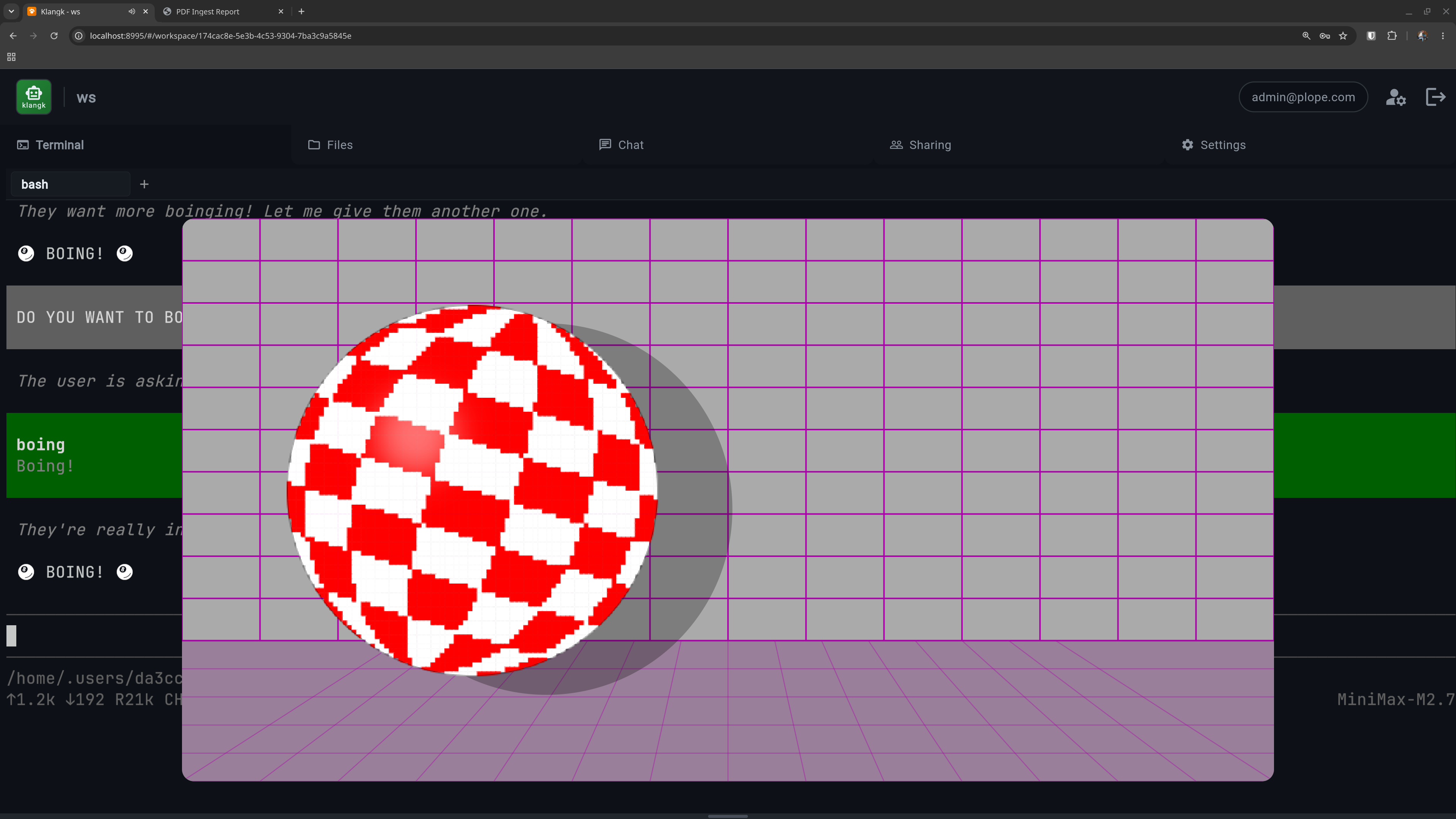
boingball |
Bouncing Boing Ball animation overlay via Pi |
Additional plugins
These plugins ship with klangk but are not included in the default
plugins.yaml. Add them manually to enable:
| Plugin | What it does |
|---|---|
claude-code |
Installs Claude Code CLI agent at image build time |
bobdobbs |
Bob Dobbs overlay via Pi |
herdr |
Installs herdr (terminal-based agent runtime) and sets up its per-shell API socket |