Authentication
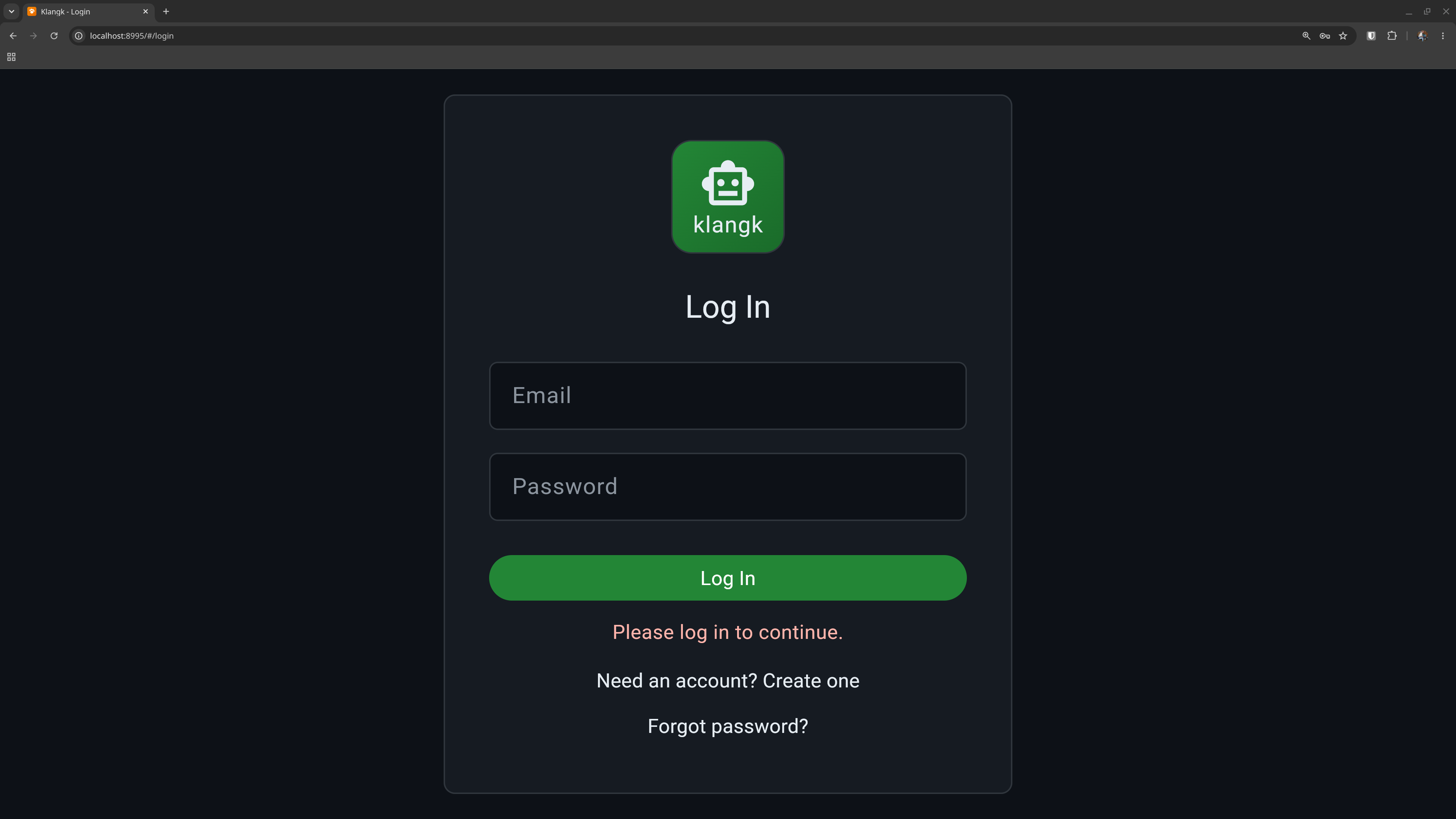
Klangk supports two ways to log in: email/password accounts and single sign-on (SSO) via OIDC providers like Keycloak, Okta, or Azure AD. You can use either or both.
Email and password
The default setup uses email/password accounts. New users register with an email address, receive a verification link, and set a password. Passwords are hashed with bcrypt.
Registration
By default, anyone can register. Set KLANGK_DISABLE_REGISTRATION
to block new signups and hide the registration link.
After registering, users must verify their email before they can log in. The verification email contains a signed link that activates the account and logs the user in automatically.
If the email doesn't arrive, click Resend verification email on the login page (rate-limited to once per minute).
Password reset
Click Forgot password? on the login page. A reset link is sent to the email address (the response is always "sent" regardless of whether the account exists, to prevent email enumeration). The link expires after 1 hour.
Email delivery
Verification and password-reset emails are sent via SMTP if configured
(KLANGK_SMTP_HOST, KLANGK_SMTP_PORT, etc.), or via the local
sendmail binary otherwise. See
Environment Variables for the full list
of SMTP settings.
Single sign-on (OIDC)
Klangk can authenticate users through one or more OIDC identity
providers. When configured, the login page shows a button for each
provider alongside the email/password form (or instead of it, if
KLANGK_AUTH_MODES is set to oidc).
Users are created automatically on their first SSO login — no separate registration step. If a user already has an email/password account with the same address, it is linked to their SSO identity.
The CLI (klangkc login) supports OIDC too: it opens a browser for
the SSO flow and receives the token via a temporary localhost callback.
See OIDC Configuration for setup instructions.
Sessions
Klangk uses JWT tokens for sessions. Token lifetime defaults to 24
hours (configurable via KLANGK_ACCESS_TOKEN_HOURS). Tokens are
automatically refreshed before they expire, so long-running sessions
stay active without requiring re-login. Logging out blocklists the
token immediately.
Your session survives page refreshes. If you navigate to a workspace URL while logged out, you'll be redirected to the login page and returned to your original URL after logging in.
Brute-force protection
By default, Klangk locks accounts after repeated failed login attempts (5 failures within the counting window). To tune or disable it, set:
| Variable | Default | Description |
|---|---|---|
KLANGK_LOGIN_LOCKOUT_FAILURES |
5 |
Failed attempts before lockout (0 = off) |
KLANGK_LOGIN_LOCKOUT_WINDOW |
300 |
Time window in seconds for counting |
KLANGK_LOGIN_LOCKOUT_DURATION |
900 |
How long the lockout lasts (seconds) |
Consent banner
If KLANGK_LOGIN_BANNER is set, users see a consent page before
the login form. They must accept before proceeding. This is useful
for legal notices or terms-of-service acknowledgements. See
Environment Variables for details.