Admin Management
Members of the admin group have access to the Admin page, which
provides user and group management for the entire Klangk instance.
Users
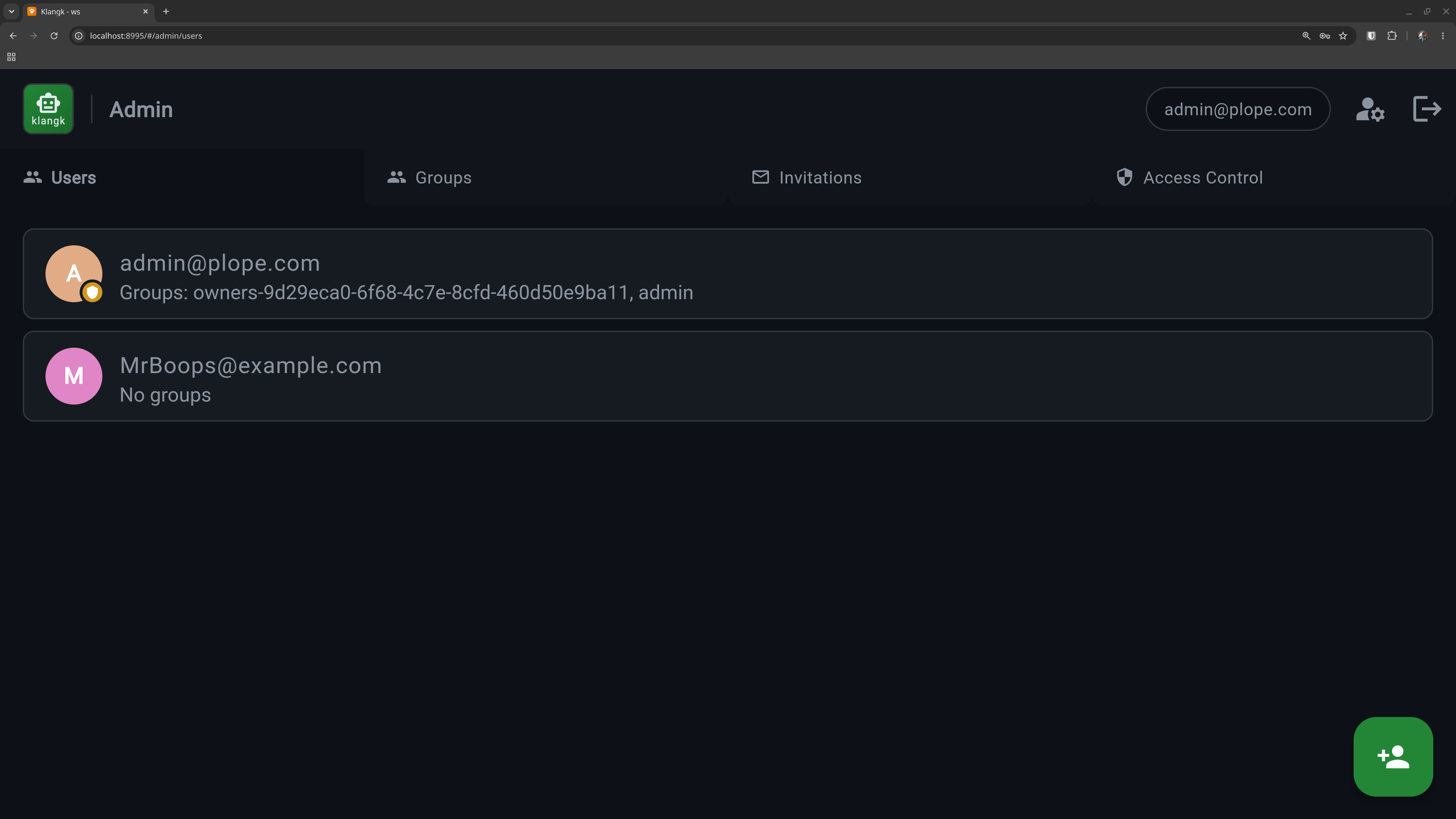
The Users tab lists all registered accounts. From here you can:
- Create users — add a new user with an email and password. Admin-created users are verified immediately (no email confirmation needed).
- Edit users — change a user's email, password, or handle.
- Delete users — remove a user and all their data. Workspace files are archived to a tar.xz file before deletion. You cannot delete your own account.
Groups
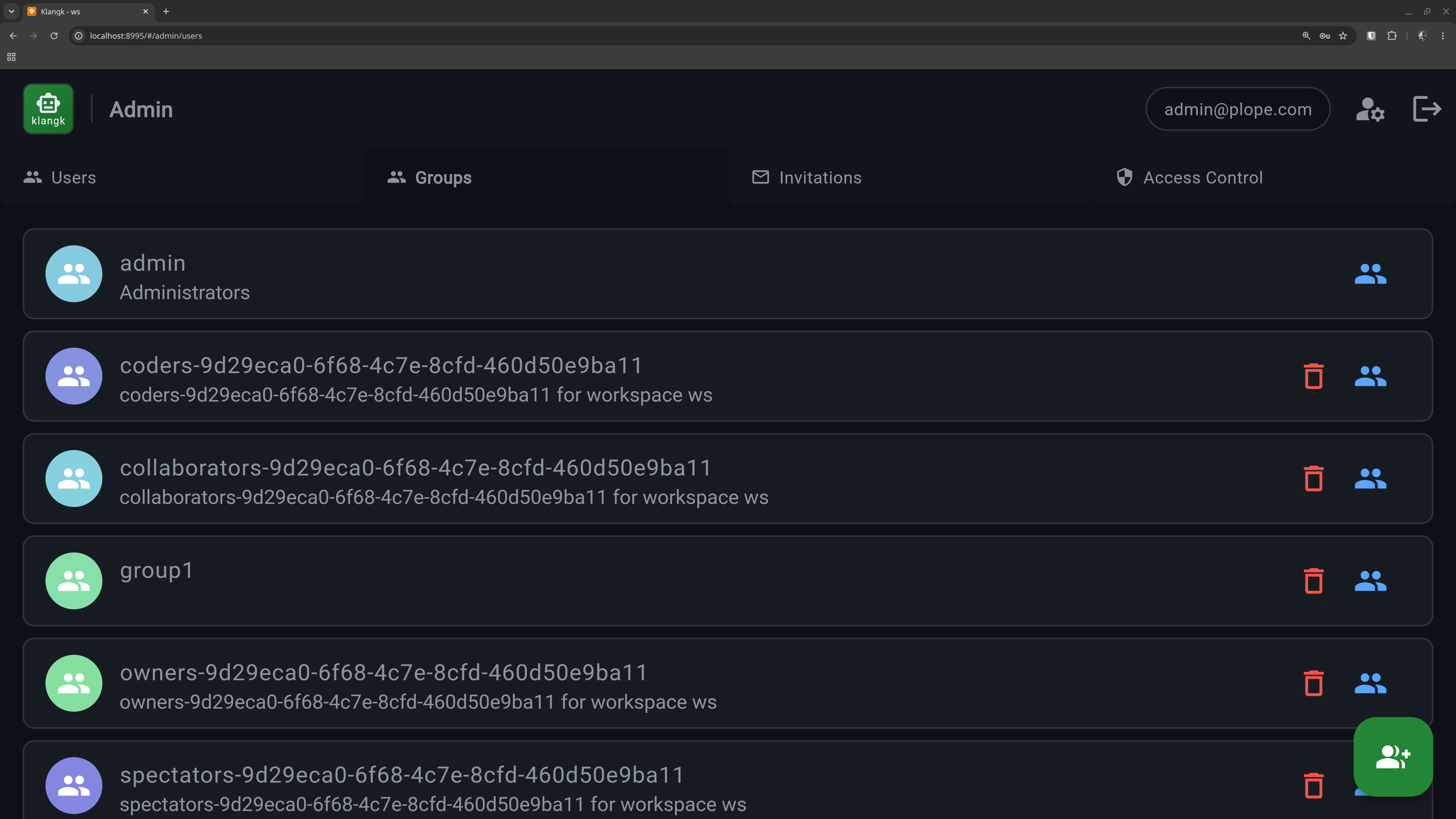
The Groups tab lets you organize users into named groups. Groups are used for sharing workspaces and controlling access via ACL rules.
- Create groups — give the group a name and optional description.
- Manage members — add or remove users from a group.
- Delete groups — removing a group also removes any ACL entries that reference it.
The admin group is created automatically on first startup and
grants access to this Admin page. The default user is added to it
automatically.