Authorization
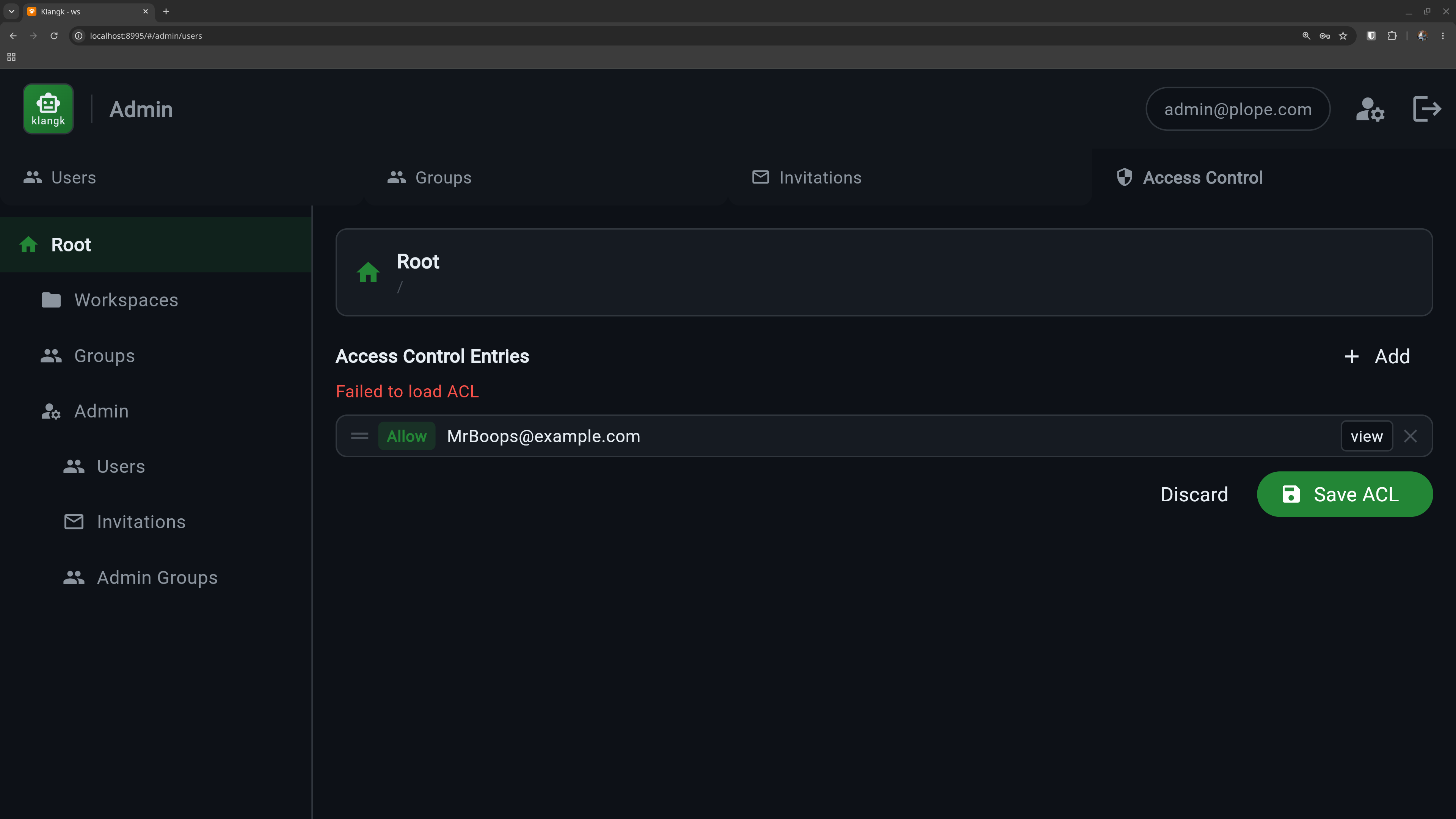
Klangk controls who can do what through an Access Control List (ACL) system. Every resource — workspaces, admin pages, groups — has a list of rules that say which users or groups are allowed or denied specific actions.
How it works in practice
You don't usually interact with ACLs directly. Klangk wraps them in friendlier interfaces:
- Workspace sharing — the Sharing tab on each workspace lets you add users or groups and assign them a role (Owner, Coder, Collaborator, Spectator). Behind the scenes, each role maps to a set of ACL entries.
- Admin panel — the Admin page lets you manage users, groups, and global access rules.
- UI visibility — tabs and buttons appear or disappear based on
your permissions. If you don't have
filespermission on a workspace, the Files tab won't show up.
For advanced use cases, the Advanced ACL editor in the Sharing tab lets you view and edit the raw ACL entries directly.
Workspace roles
When you share a workspace, you assign a role that determines what the person can do:
| Role | Terminal | Files | Chat | Share terminals | Type in shared | Create shared |
|---|---|---|---|---|---|---|
| Owner | yes | yes | yes | yes | yes | yes |
| Coder | yes | yes | yes | watch only | ||
| Collaborator | yes | yes | yes | watch + type | yes | |
| Spectator | watch only |
See Terminal - Role Permissions for the full permission breakdown.
Groups
Groups are named collections of users. The built-in admin group is
created automatically on first startup. You can create additional
groups (e.g., "engineering", "design") and share workspaces with an
entire group instead of individual users.
Manage groups from the Admin panel under the Groups tab.
Default access rules
On first startup, Klangk seeds these defaults:
- Any logged-in user can view pages and create workspaces
- Only members of the
admingroup can access admin functions - Unauthenticated users are denied everything
Learn more
For the full ACL reference — resource trees, ACE ordering, the ACL walk algorithm, and troubleshooting — see ACL System.